
Some tips to get started
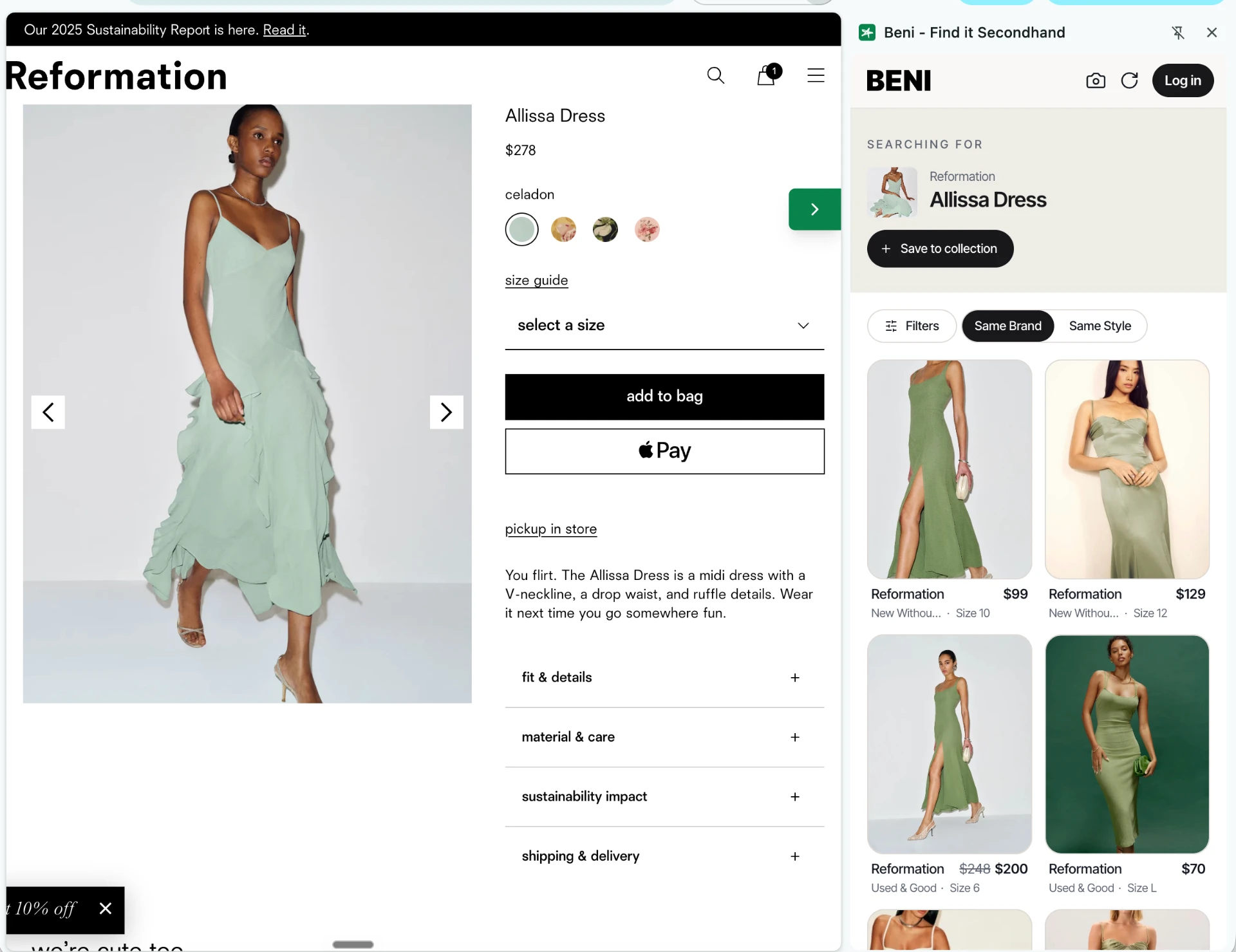
Beni sits beside you while you shop and, in one click, shows you where the item you're looking at exists secondhand. To get started, navigate to any supported brand site.
 1
Click the Beni tab to see secondhand alternatives
On any product page, open Beni. We scan 40+ resale marketplaces for that exact piece or similar items that might be a good fit.
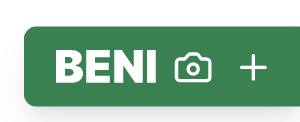 Look for this tab on the edge of the page
 2
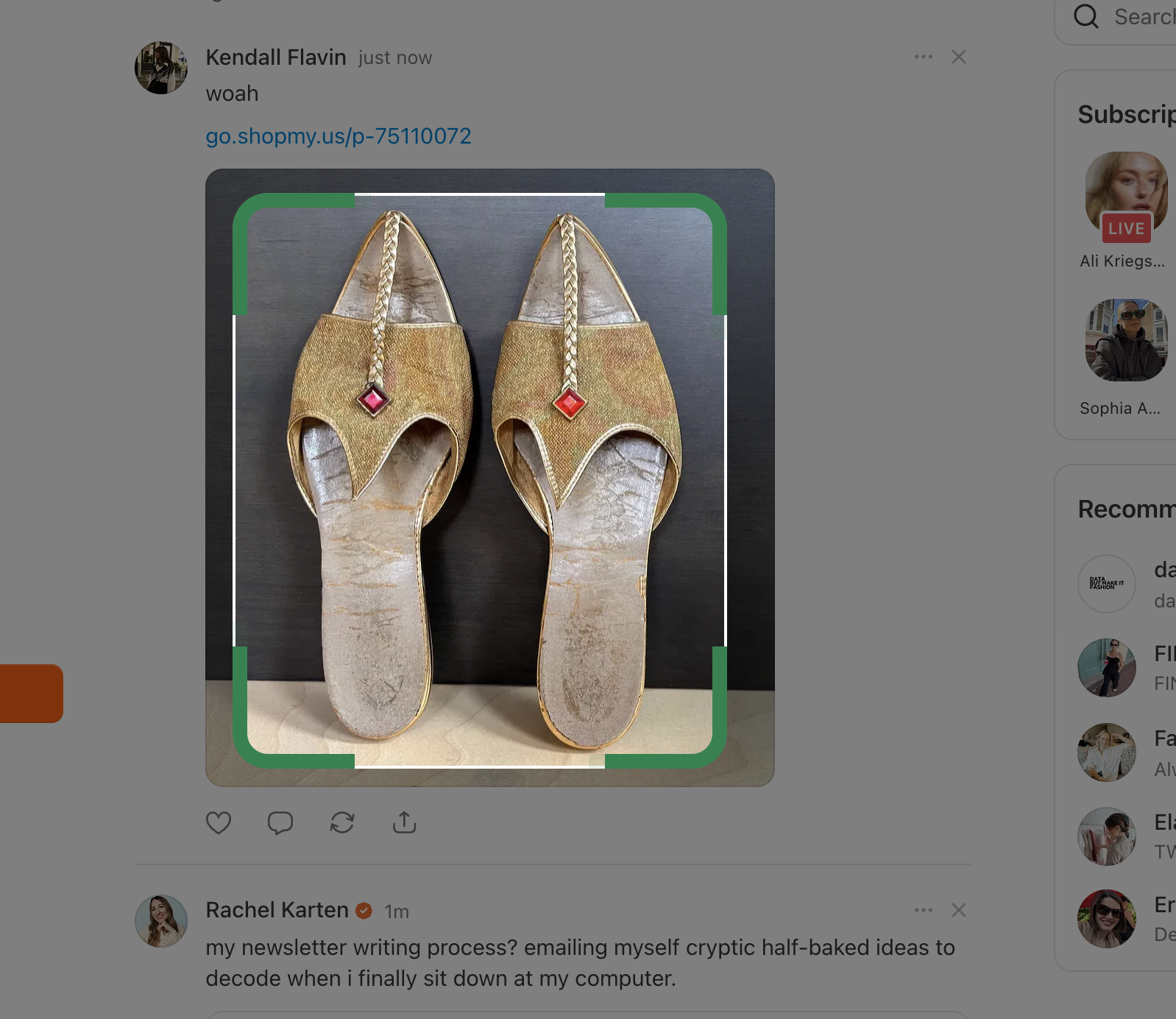
Try Beni Lens to search any image on the screen
Like Google Lens, but for resale. Drag to spotlight a piece and we'll find the matches.
Tap the camera icon on the Beni tab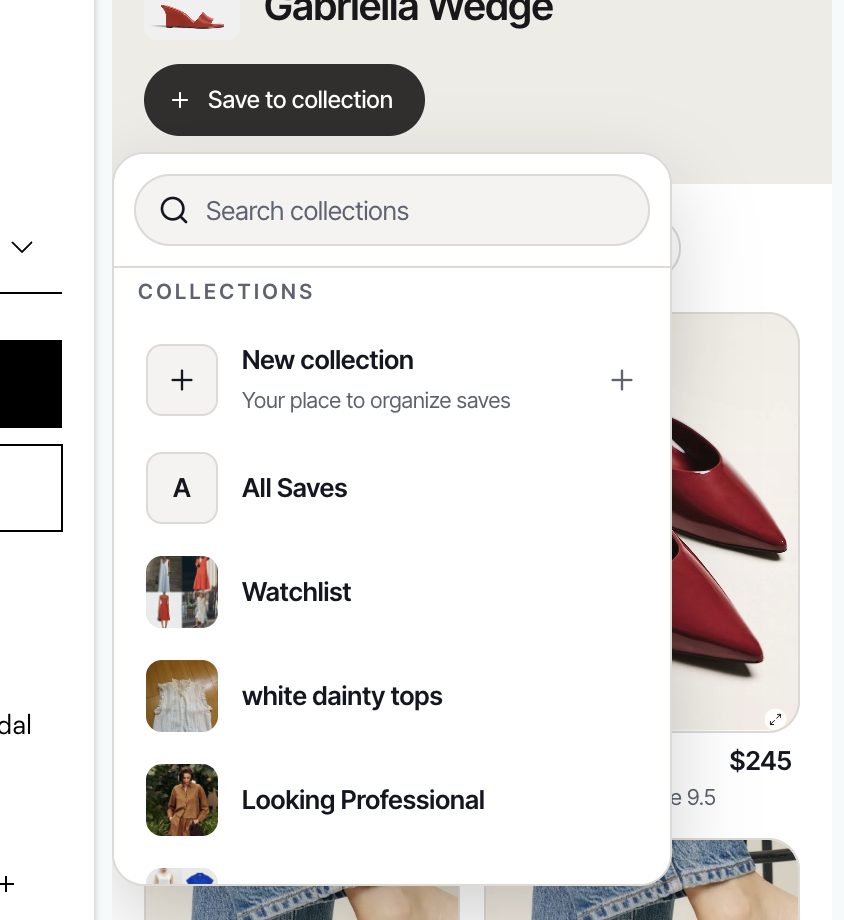 3
Quick save the retail item to your wishlist
One tap saves anything — new or secondhand — into a board you can come back to.
Hit the + on the Beni tab to save it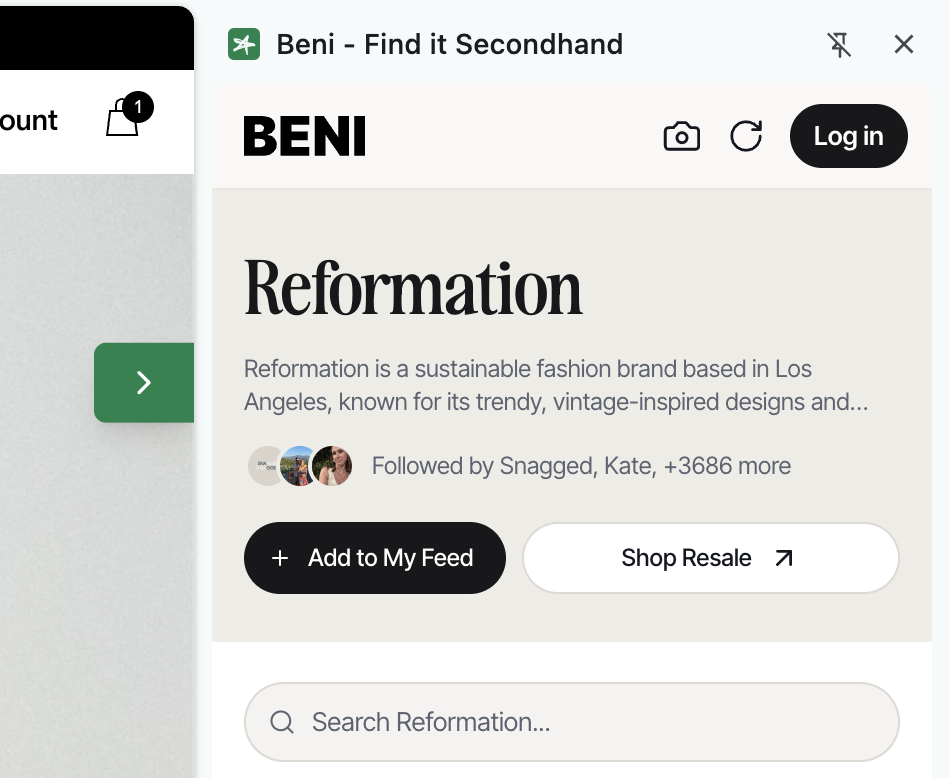 4
Follow your favorite brands to add them to your feed
Follow a label from the panel and new secondhand arrivals come straight to you.